Menu
Information For:
At the Center for Academic and Career Success we provide the guidance, resources and support that lead you to academic and career success. Whether you need help forming an academic plan or choosing a career pathway, our integrated approach provides individual support that helps you flourish in your studies while helping you prepare for a career that will bring you joy and satisfaction.
120 Garvey Hall
Washington, DC 20064
Phone: 202-319-6262
Email: success@cua.edu

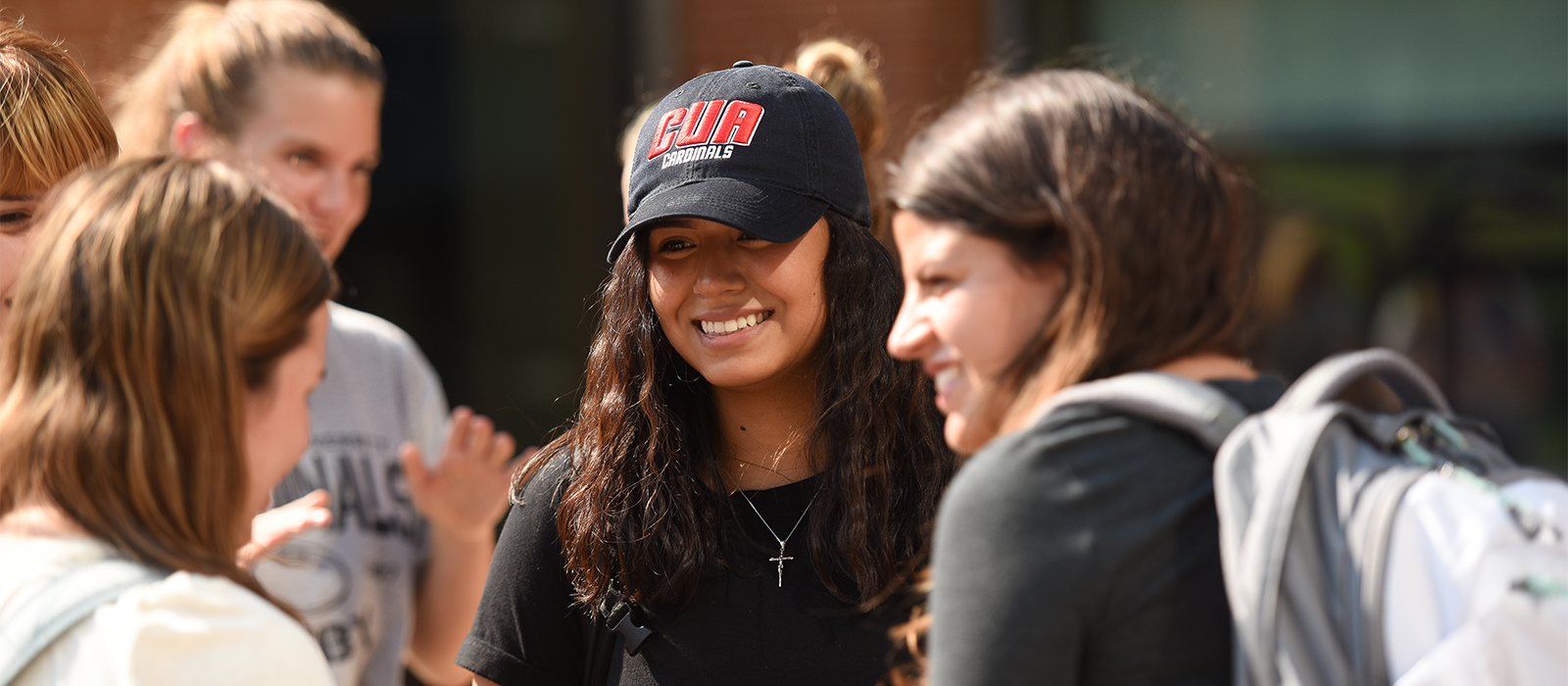
In the Center for Academic and Career Success, you will encounter professional advisors ready to provide you with dedicated individualized academic and career support that ensures optimal learning and engagement, and provides you with progressive planning support throughout your entire career at Catholic U.

Welcome to the Center for Academic and Career Success, a newly created office through the merging of Undergraduate Advising and the Office of Career Services. Our professional advisors provide individualized academic and career support to help students succeed in their studies and plan for career success.
Learn about the collaborative and inspiring environment that our comprehensive academic and career advising services have to offer.